Web Tools
Modern web design demands efficiency, precision, and creativity. As the digital landscape evolves, so do the tools designers use to create engaging, high-performing websites. In 2025, a powerful ecosystem of platforms enables designers to simplify workflows, collaborate in real time, and speed up idea execution. These tools offer seamless integration, intuitive interfaces, and smart automation, allowing teams to focus on innovation and user experience. From wireframing to deployment, every stage is improved by faster, smarter solutions that redefine how websites are designed and maintained.
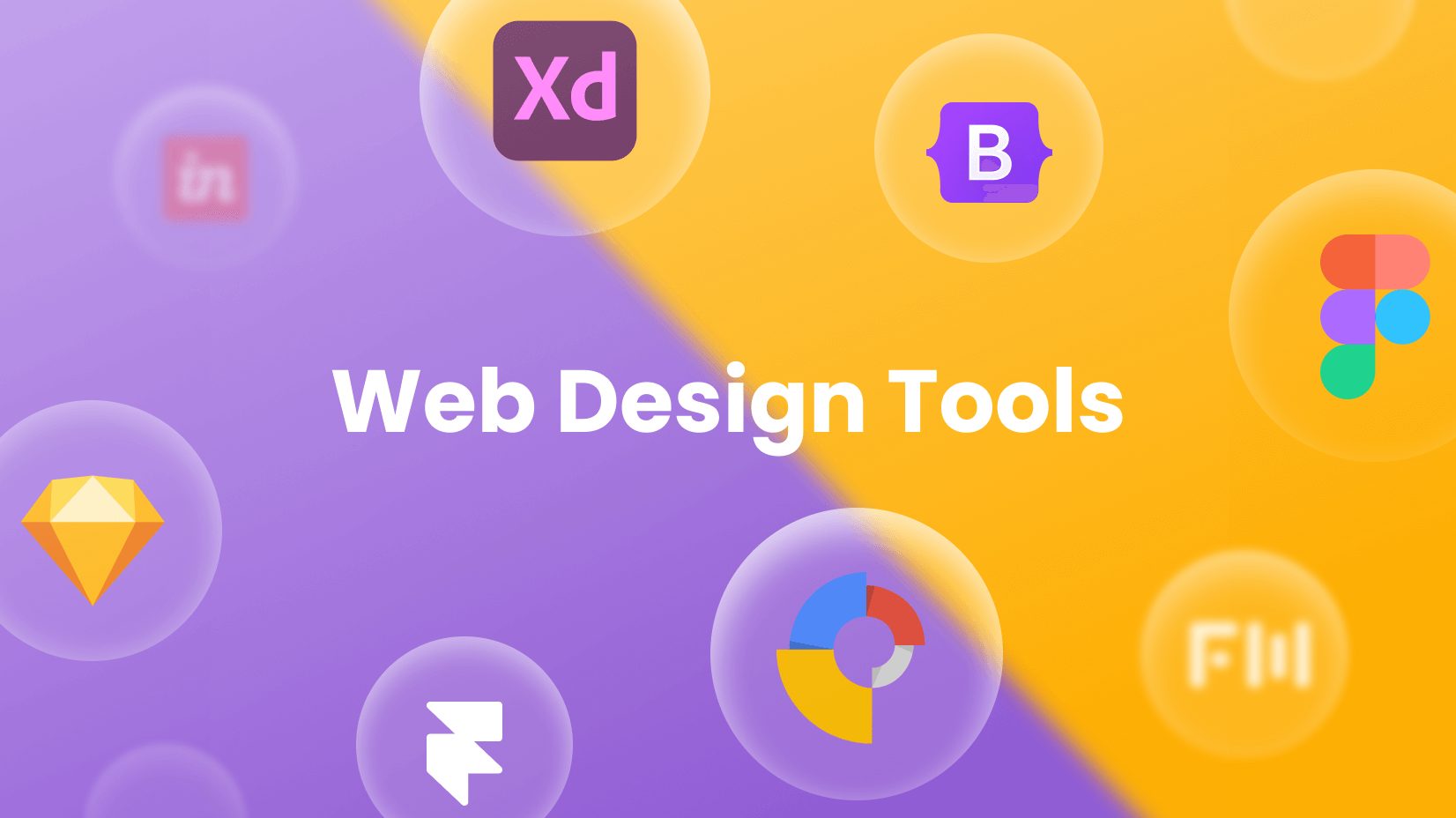
From prototyping to responsive design, the best tools make your work easier and more impactful. Popular choices like Figma, Adobe XD, Sketch, Webflow, and Framer offer unique strengths to help designers build, iterate, and deliver stunning user experiences. These platforms support collaboration, streamline workflows, and integrate with other design software, ensuring efficiency and creativity from concept through final product launch.
Whether you're creating wireframes, building interactive prototypes, or designing complex design systems, leveraging the right tools can streamline your entire creative process. In a fast-paced digital world, adopting cutting-edge software means staying ahead of the competition, improving collaboration, reducing errors, and delivering exceptional user experiences that meet evolving market demands efficiently and effectively.
A browser-based UI design and prototyping tool that fosters real-time collaboration and seamless cross-team communication.
A macOS-based design tool ideal for vector editing and UI components, offering powerful features and intuitive user experience.
Design, prototype, and share user experiences all in one unified platform with seamless collaboration and real-time feedback capabilities.
A no-code web design tool that lets you build responsive websites visually, quickly, and without coding knowledge.
Key Benefits With These Tools
These tools provide robust capabilities that accelerate design delivery, support cross-team alignment, and reduce rework. From UI kits and plugins to seamless developer handoffs, they’ve become indispensable assets in a designer’s workflow.
- ✅ Collaborative Design in Real Time.
- ✅ Integrated Prototyping Capabilities.
- ✅ Auto Layout and Responsive Tools.
- ✅ Design System Support.
- ✅ Developer Handoff with Code Export.